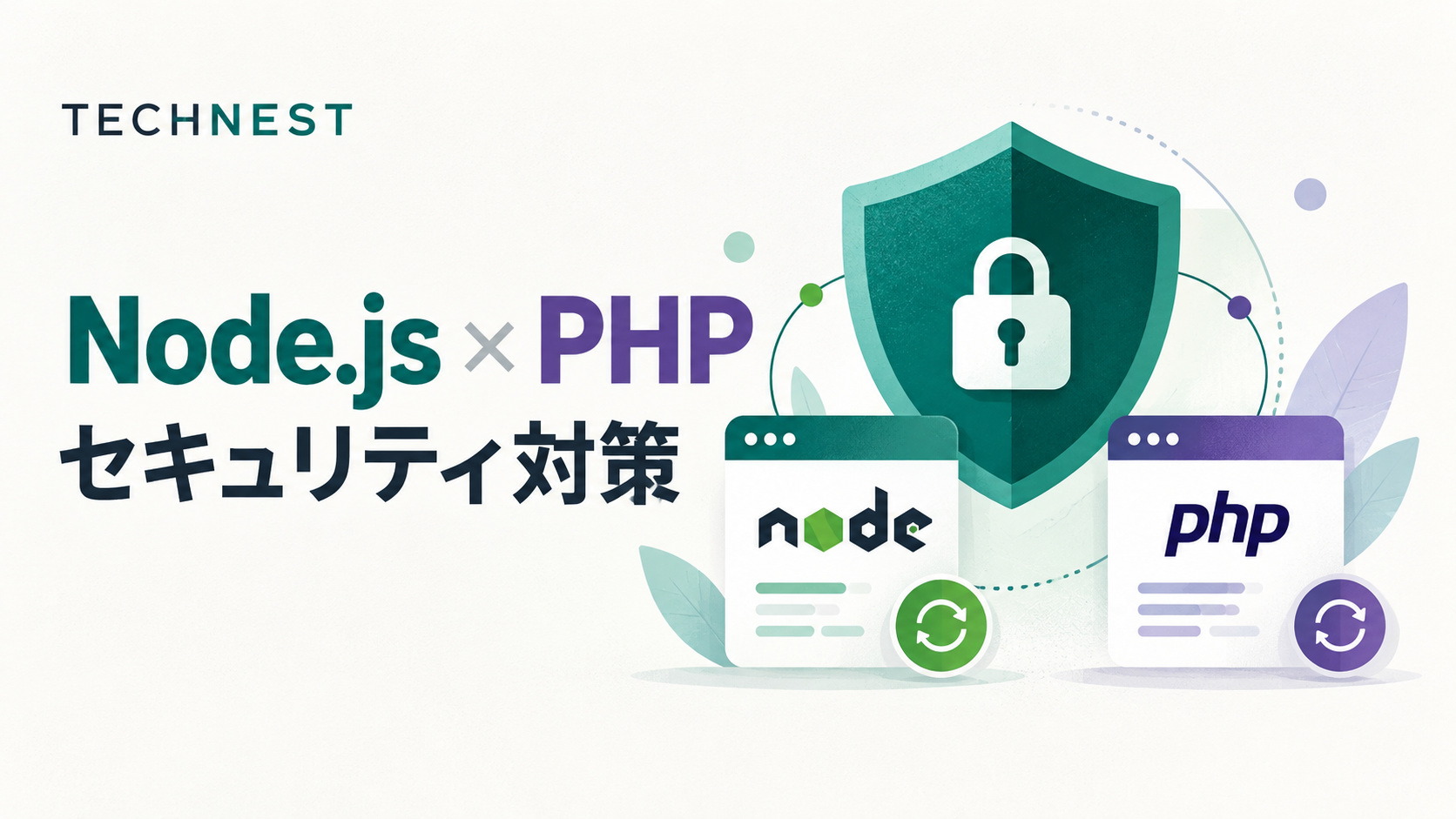
When a Node.js or PHP vulnerability is announced, the first step is to establish whether your systems are affected and what action is needed. Managing the runtime, dependencies, application code, configuration and post-update checks together helps support secure operations.
The Node.js security releases published on October 21, 2026 announced updates for the 26.x, 24.x and 22.x release lines, including fixes for bundled dependencies. This article outlines five essentials for turning such information into everyday operational practice.[1]
1. Track support lifecycles and patch status
Official Node.js guidance recommends Active LTS or Maintenance LTS releases for production applications. PHP also distinguishes between a period of general bug-fix support and a period limited to fixes for critical security issues.[2] [3]
Choose a supported release line, then keep applying the patches released for it. For example, according to official information checked on October 23, 2026, security support for PHP 8.2 ends on December 31, 2026. Teams using this version should assess compatibility and plan their migration early.[3]
Maintain an inventory of versions in production, staging and development, with an update owner and a date for the next review. If Node.js is used to build a frontend, distinguish that use from running Node.js on a production server when defining the scope of an impact assessment.
2. Manage direct and transitive dependencies
For Node.js, review both npm packages and their transitive dependencies. Maintain lockfiles so dependency changes can be reviewed. For PHP, keep track of the packages installed through Composer as well.[4] [6]
npm audit and composer audit help identify known vulnerabilities in dependencies. Running them regularly or integrating them into CI makes it easier to find components that need updates. In addition to the packages covered by these checks, review official advisories for the runtime, operating system and other relevant components separately.[5] [6]
Be aware that npm audit fix --force can introduce major-version changes. Review the changes, assess compatibility and test them before deploying to production.[5]
3. Review application code and production configuration
For Node.js HTTP servers, review timeouts, connection limits and the use of a reverse proxy. Avoid leaving development settings enabled in production, including running the debugging Inspector.[4]
At the application level, review the following fundamentals in both code and configuration.
| Risk to review | Example measures |
|---|---|
| SQL injection | Use prepared statements and parameter binding for data values. Restrict dynamic column names and sort orders to an allowlist.[7] |
| Cross-site scripting (XSS) | Handle output according to its context, such as HTML, JavaScript or URLs. Consider sanitization wherever the application accepts HTML.[8] |
| Session information leakage or misuse | Use HTTPS and set Secure and HttpOnly. Choose SameSite settings after checking workflows such as authentication integrations. For PHP, also review session strict mode.[9] |
| Information disclosure through error pages | In PHP production environments, avoid displaying detailed errors in the browser. Record information needed for investigation in appropriately managed logs.[10] |
4. Define vulnerability impact and response deadlines
To prioritize a response, this article recommends considering the following questions together:
- Which environments contain the affected versions or components?
- What conditions are required for exploitation, and is there a path reachable from outside?
- What would exploitation mean for business operations and data?
- Are patches or temporary mitigations available, and what testing is needed before applying them?
Even if an application does not call a component directly, extend the review to transitive dependencies and functionality included in the runtime. The Node.js update discussed above illustrates why bundled components also need attention.[1] [4]
Record findings as “affected,” “not affected” or “under investigation,” along with the evidence, owner and response deadline. When a system is assessed as unaffected, retain the configuration and conditions used for that assessment and include it in routine update planning. Where a serious impact is possible, prioritize temporary mitigations and patch deployment.
5. Include testing and monitoring in the update process
This article proposes the following workflow for safer updates. Adjust the scope of testing and the implementation approach to the urgency and characteristics of the system.
- Identify the scope: inventory versions and dependencies in production, staging and build environments.
- Plan the response: define the components to fix, owners, deadlines and temporary mitigations.
- Test in staging: check authentication, core business workflows, external API integrations, batch processing and performance impact.
- Deploy to production: prepare backups, rollback procedures and an implementation runbook.
- Verify after deployment: confirm the versions actually running, errors, response times and business processing; retain a record of the results.
Continuously reviewing versions, checking vulnerability advisories, applying updates and monitoring the outcome gives teams a clearer basis for decisions when problems arise.
Build systems that can keep improving with TECHNEST
Maintaining security in business systems requires configuration management that makes the current state visible, together with development and operational processes that allow updates to be validated.
If you are considering a review of an existing web system or planning Node.js and PHP updates, talk to TECHNEST. We can discuss an improvement approach that takes the impact on your business into account.
References
- Node.js — October 21, 2026 Security Releases
- Node.js — Node.js Releases
- PHP — Supported Versions
- Node.js — Security Best Practices
- npm — npm audit
- Composer — Command-line interface: audit
- PHP Manual — SQL Injection
- OWASP — Cross Site Scripting Prevention Cheat Sheet
- PHP Manual — Securing Session INI Settings
- PHP Manual — Error Reporting
Accessed October 23, 2026. Check the official websites for the latest affected versions and details of fixes.