



In the era of digital transformation, maintaining a bulky physical server system is no longer the optimal choice for every business. IaaS (Infrastructure as a Service) has emerged as a lifesaver, helping to simplify IT infrastructure. This article will delve into the definition, operating mechanism, and the most practical applications of IaaS.
What is IaaS (Infrastructure as a Service)?
IaaS, or Infrastructure as a Service, is a cloud computing model that provides fundamental computing resources—including virtual servers, networking, memory, and storage—to users via the internet. Instead of investing billions in physical hardware and climate-controlled server rooms, businesses simply rent these resources from Cloud Providers.
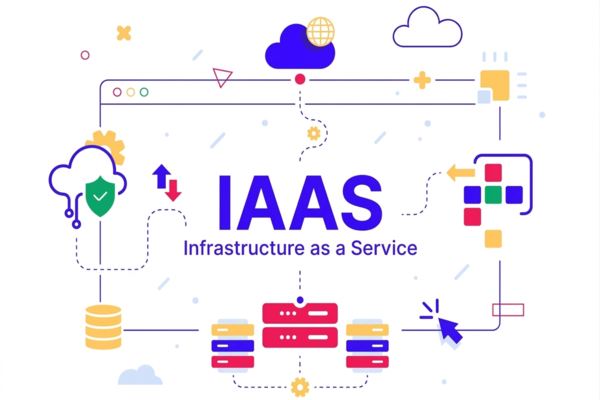
In this model, the provider is responsible for managing the underlying physical infrastructure (hardware, connectivity, data center security), while the customer maintains full control over the operating system, middleware, and the applications they install. IaaS is the lowest layer in the cloud computing “pyramid,” serving as the solid foundation upon which PaaS (Platform as a Service) and SaaS (Software as a Service) are built.
Benefits of IaaS for Businesses
Shifting to IaaS is not just a technology trend but a smart business strategy. This model eliminates capital and technical barriers, allowing enterprises to focus entirely on their core values rather than worrying about server maintenance.
- Cost Optimization (Cost Savings): IaaS operates on a “Pay-as-you-go” model. Businesses do not need to spend on initial Capital Expenditure (CapEx) for hardware. Instead, costs are shifted to Operational Expenditure (OpEx), making cash flow more flexible.
- Instant Scalability: This is the most outstanding advantage. If your website suddenly experiences a tenfold increase in traffic, you can boost server resources with just a few clicks. Conversely, when demand decreases, you can scale down to save costs.
- Enhanced Stability and Security: Major IaaS providers always adhere to stringent security standards and maintain Redundancy systems across various geographical regions. This ensures that business systems operate 24/7, even in the event of a natural disaster at one location.
- Shortened Time-to-Market: Setting up traditional infrastructure can take weeks or months. With IaaS, developers can deploy testing and production environments in just a few minutes.
How Does IaaS Work?
The operating mechanism of IaaS is based on Virtualization technology. Providers own clusters of powerful physical servers within data centers. They utilize software called a Hypervisor to partition the processing power of those physical servers into multiple Virtual Machines (VMs).
Each of these virtual machines functions independently as a real computer with its own CPU, RAM, and hard drive. When customers sign up for the service, they are granted access to these virtualized resources via a Dashboard or an Application Programming Interface (API). Users can manually install operating systems (Windows, Linux), configure firewalls, and manage storage without ever touching the physical hardware. All computational requests from the customer are transmitted to the underlying physical servers for processing, with results returned via the internet infrastructure.
Key Features of IaaS
While each provider has its own unique strengths, a standard IaaS service generally ensures the following core features:
- Self-service: Customers can proactively initialize, modify, or terminate resources at any time through a web interface without needing to call technical support.
- Broad Network Access: Resources are accessible from anywhere with an internet connection via secure protocols such as VPN or HTTPS.
- Resource Pooling: The provider’s infrastructure serves multiple different customers (Multi-tenancy), yet each customer’s data and operations are completely isolated and secure.
- Measured Service: The system automatically tracks the volume of resources used (storage capacity, bandwidth, CPU runtime) to bill accurately down to the minute or hour.
IaaS Classification
To meet diverse needs regarding security, performance, and budget, IaaS is divided into three main service groups based on the type of resources provided:
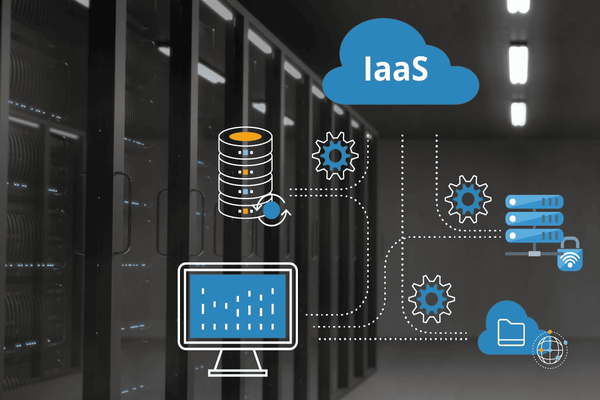
Compute – Computing Services
This is the core component providing processing power. It includes Virtual Machines (VMs) or dedicated server clusters. Users can customize the number of CPU cores and RAM capacity to suit workloads ranging from running a personal blog to processing Big Data.
Storage – Storage Services
This service provides space to preserve data in the form of Object Storage, Block Storage, or File Storage. The strengths of IaaS storage are its extreme durability and high-speed accessibility. Data is typically backed up across multiple locations to prevent loss.
Network – Networking Services
This provides connectivity infrastructure such as static IP addresses, Load Balancers, Virtual Private Clouds (VPC), and virtual firewalls. These features securely connect virtual servers to each other and the outside world, ensuring a seamless flow of information.
Practical Applications of IaaS
IaaS is no longer a distant concept; it is present in almost all modern online business activities. Here are the most common applications:
- Website and Web App Hosting: Instead of traditional hosting with limited resources, businesses use IaaS to run websites, ensuring fast speeds and high load capacity during marketing campaigns.
- Development and Testing (DevTest): Programming teams can quickly spin up various testing environments and then terminate them once finished to save costs.
- Backup and Disaster Recovery: IaaS is an ideal place to store redundant copies of critical data, helping businesses recover quickly from cyberattacks or hardware failures.
- Big Data Analytics: Processing terabytes of data requires massive computing power for short periods. IaaS allows businesses to rent hundreds of servers for data processing and shut them down afterward, making it extremely economical.
- Virtual Desktop Infrastructure (VDI): This allows remote employees to access office computers via the cloud, ensuring company data security.
Frequently Asked Questions about IaaS
As you explore Infrastructure as a Service, you likely have questions about its differences and how to choose it. Here is a brief summary:
How does IaaS differ from PaaS and SaaS?
Imagine eating Pizza: IaaS is like renting the kitchen and oven (you make the pizza yourself); PaaS is like ordering takeout (the restaurant provides the crust, you just add toppings); and SaaS is like dining at a restaurant (everything is ready to be served).
Is IaaS secure?
Yes—often more secure than on-premises infrastructure because providers like AWS, Google Cloud, or Viettel IDC invest millions of dollars in security. However, data security on the cloud remains your responsibility.
When should a business switch to IaaS?
When physical server maintenance costs become too high, when the business needs to scale rapidly, or when you want to deploy short-term projects without purchasing equipment.
IaaS is not just a simple storage service; it is a launchpad that makes businesses more agile in the digital age. Understanding and correctly leveraging IaaS will help you optimize costs and significantly enhance your competitive edge.
